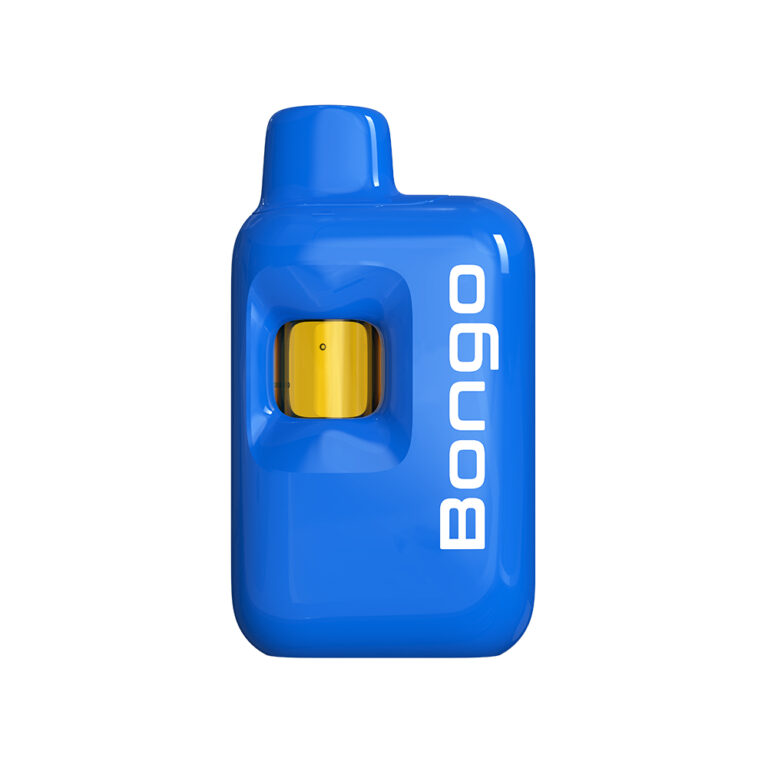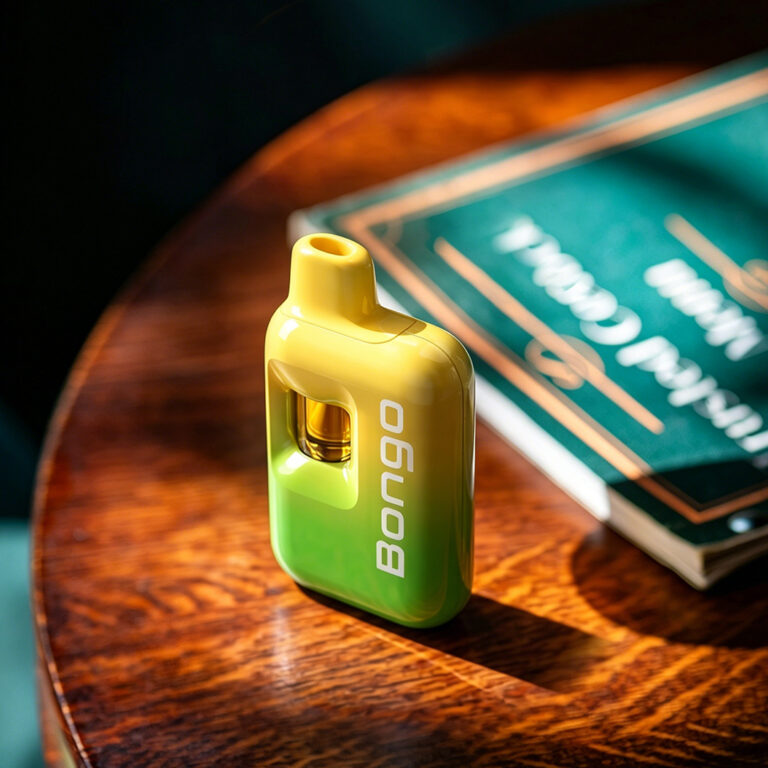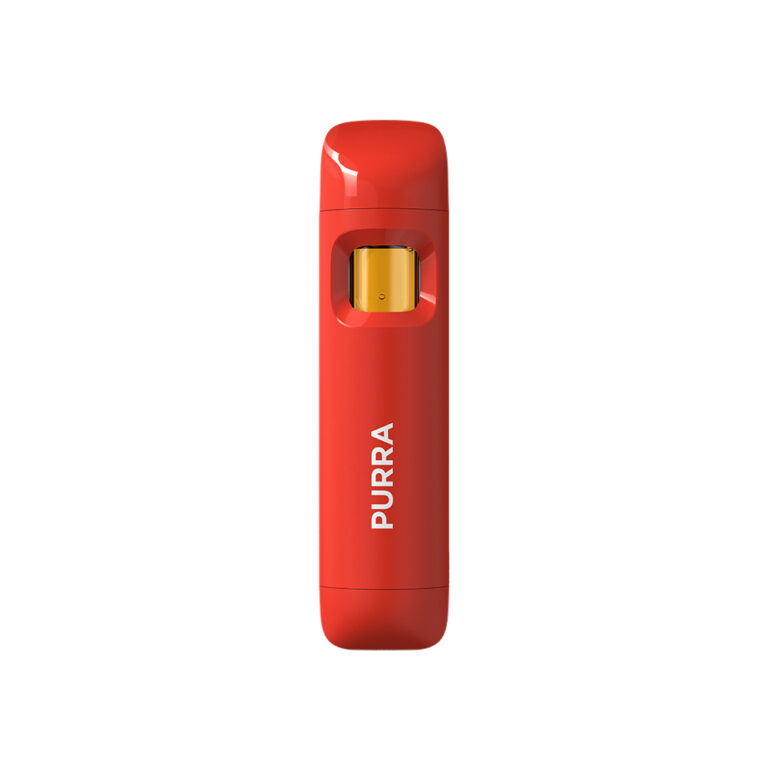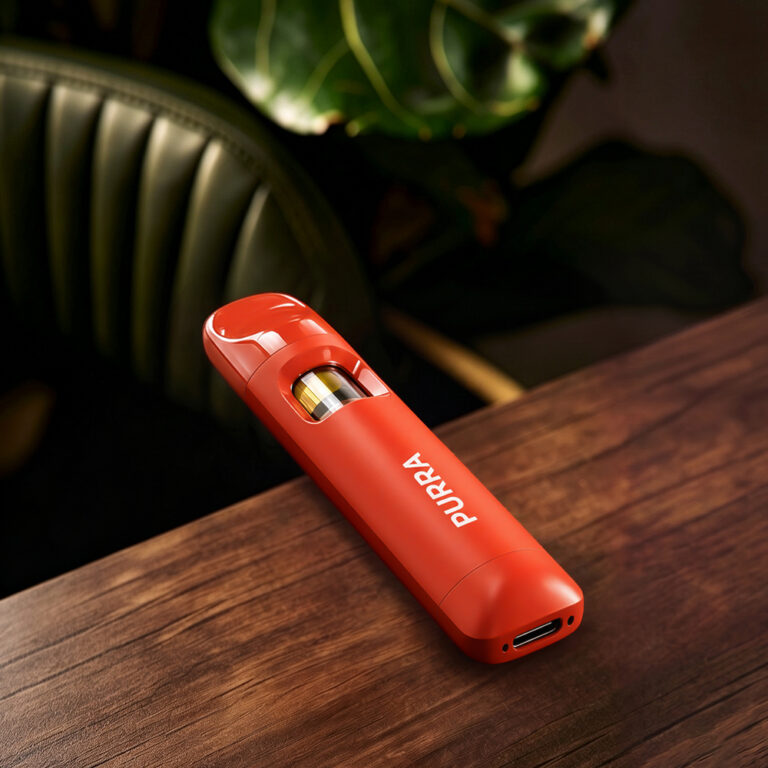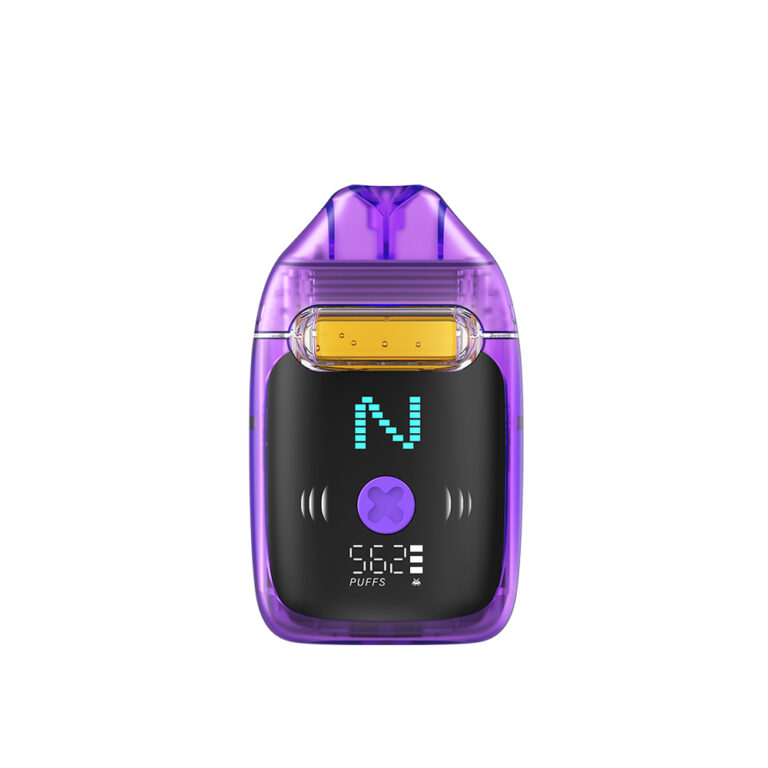
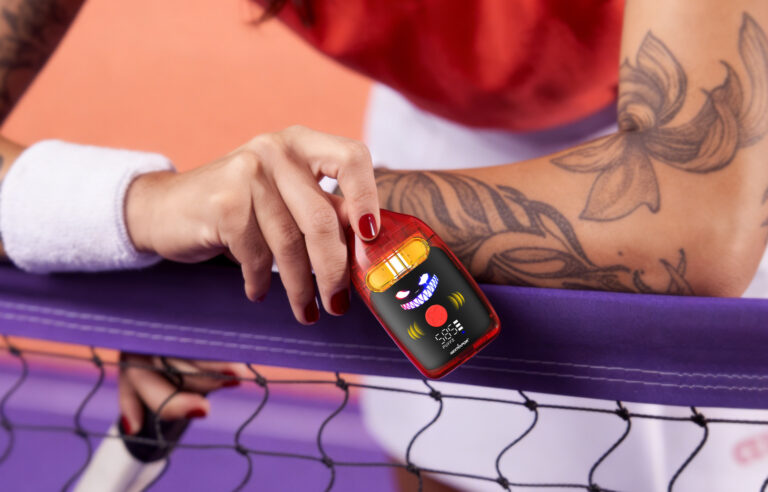

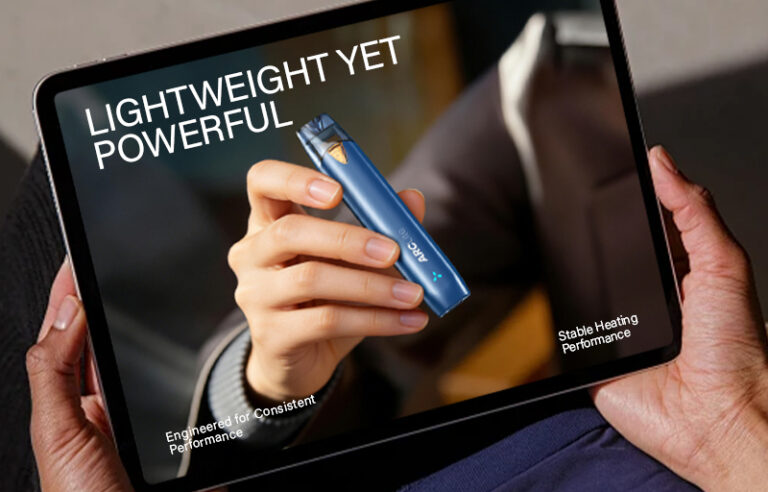
The screen on a sample reads “3.” Three watts? The third power mode? Three bars of charge? Until the supplier names the unit and the user can recognize it, the digit is decoration. That is the test for a cannabis vape display: can someone act on what it says without guessing? An LED faces the same test, although its vocabulary is usually a color or flash sequence rather than a number.
This matters when brands are adding value to premium products. BDSA’s 2026 retail analysis puts live resin at 28% of US cannabis vape dollar sales in May 2026, compared with 25% in May 2025. Live resin and rosin together accounted for 32% of vape revenue in the 12 months ending May 2026. The data says nothing about a preference for screens. It does give a premium-oil launch team a reason to ask whether the chosen interface explains the hardware, or merely makes it look elaborate.
Write a signal dictionary before comparing samples
A signal dictionary need not be a thick technical manual. One page can put “long press” beside “preheat starts,” then show the icon or light that appears and when it disappears. The same page should cover charging, low battery, mode changes and faults. A blank row is useful: it tells the buyer that a feature in the sales deck still lacks an agreed behavior.
List the moments that change the next action first. The startup flourish can be visual branding. By contrast, when the battery runs down, the customer needs to recognize a request to charge. With preheat, they need to recognize both the start and the finish; an endless-looking pulse could invite another button press.
Set the unit and draft guide in front of someone who missed the supplier demonstration. Say only, “choose the middle setting.” Watch whether they reach for the guide, tap the wrong control or mistake the light for charging. Then ask them to identify when preheat ends. This is a proposed check on the buyer’s sample, not a reported result for any product named here.
What the screen and LED examples tell a buyer
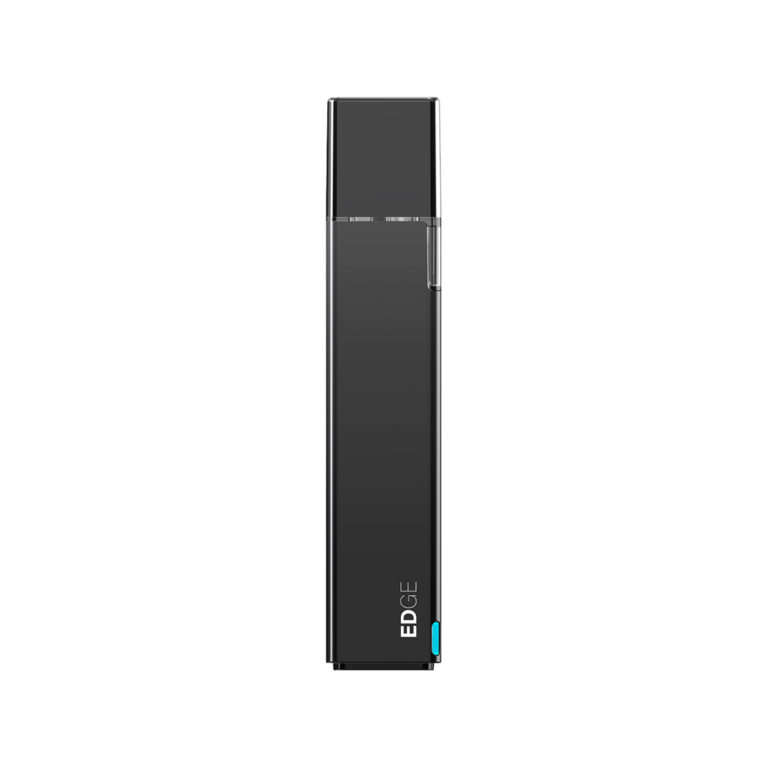
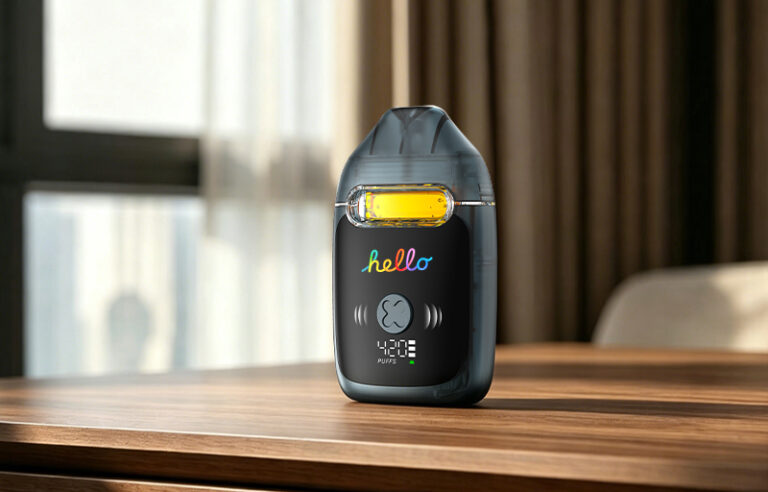
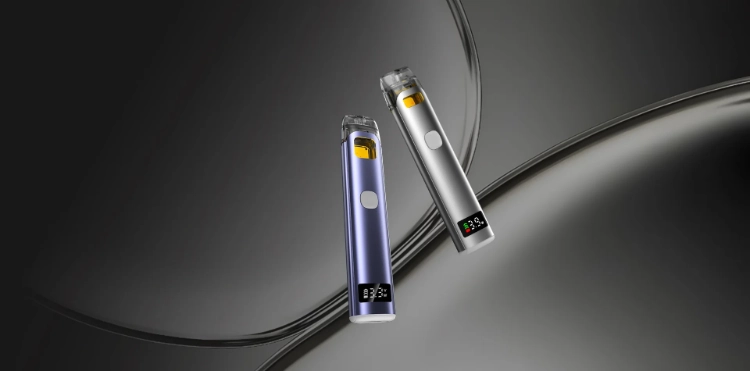
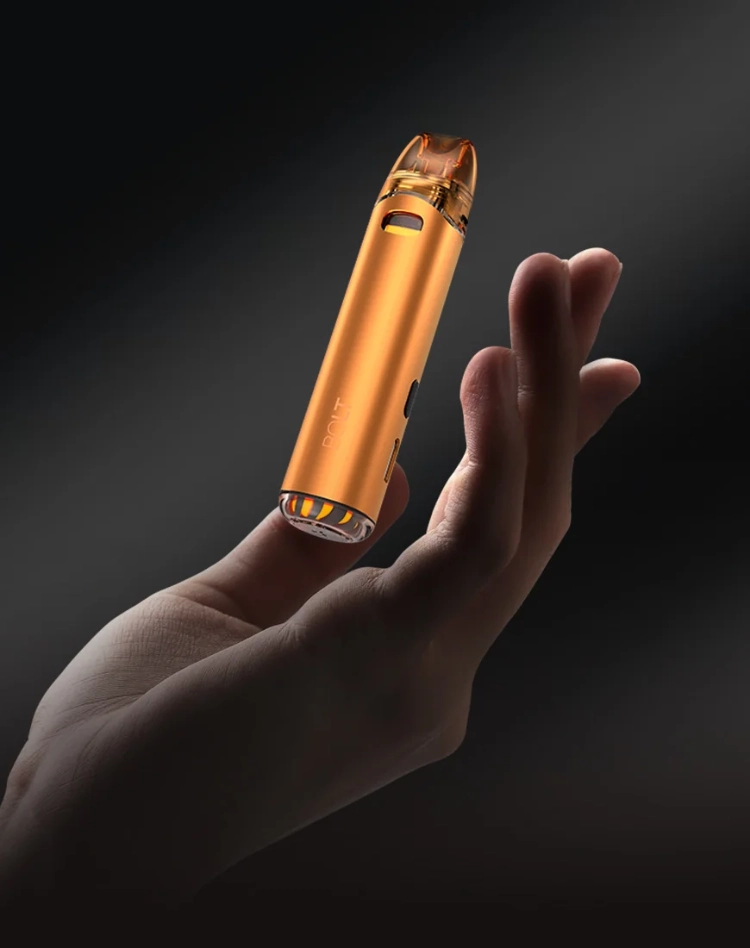
NEXTVAPOR’s NovoPro is presented with a digital screen, a multifunction button and three power levels. Bolt is presented with interactive LEDs that indicate voltage mode, preheat activation and device status. Both product pages describe available designs. Neither page is a measured comparison of legibility or user error.
Space is not the same as explanation. Three tiny screen icons may send a customer to the manual just as surely as three unexplained flashes. Bolt’s light language is potentially enough for a short set of states; NovoPro’s screen may suit a longer set. The team’s job is to count its required messages and then see which sample communicates them without coaching.
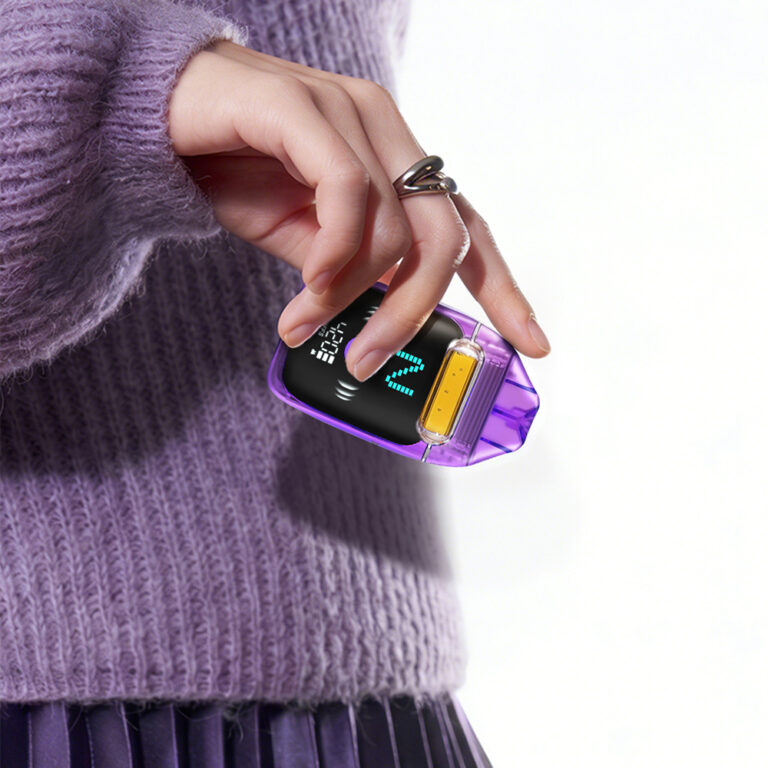
Try the same four events on both samples: change mode, start and finish preheat, reach a low charge, and hold the device in one hand. For a screen, note whether the mode is named or reduced to an unexplained digit. For an LED, note whether the preheat and battery patterns are easily confused. Take a photo in a normal grip as well as on a table; the light visible in the product shot may disappear beneath a finger. Repeat under bright ambient light.
What does the number actually measure?
A cannabis vape display can look precise without being self-explanatory. If it shows “3,” the buyer needs to know whether that is a mode or a measurement. A selected voltage or power level commands the electronics; it is not an oil thermometer. In a peer-reviewed thermography study, voltage settings did not map one-to-one to measured coil temperatures in the particular cannabis systems tested. The researchers did not test NEXTVAPOR products, and their coil readings were not oil readings.
Put the unit beside the number in the approval document: mode, voltage, battery estimate or measured temperature. If marketing wants to call it a temperature, the team needs the sensor location and a validation record for the proposed fill. If it is a setting, say so. A setting can still help a user repeat an operation without pretending to reveal what is happening inside the chamber.
Put the interaction through a filled-unit check
Move from the loose sample to the unit the brand would actually sell. Fill the proposed revision with the intended oil, cap it, and repeat the control sequence after the planned storage interval. A fresh battery can conceal a warning problem, so include a lower usable charge state as well. The team should agree on sample size and pass criteria before results appear.
One tick box labeled “preheat works” hides two questions. Did the light appear at the right time? Did the expected device action follow? Record both. If the answers differ, a revised sample or a narrower claim is needed. Video can preserve an intermittent event; the signed table tells packaging which wording is supportable.
Also note the awkward, ordinary things: a palm covers the bottom light, or a slightly short press changes mode rather than starting preheat. The article is not assigning those faults to either catalogue model. It is naming what to watch while testing the quoted unit.
Does the carton describe the unit inside?
Read the quick-start card while operating the sample, without a salesperson translating it. If it says “hold to preheat,” it needs to specify how the device confirms that action. Run through the sequence at an ordinary pace. When a sentence leaves room for two button interpretations, revise the sentence or the behavior before printing cartons.
Now label the sample and guide with their revision numbers. Ask the supplier whether color, animation and button timing can change. If one changes later, reopen the relevant rows before printing again. The label prevents a familiar problem: approving one prototype while the factory and designer work from two different versions.
The shortlist becomes straightforward once the states are defined. If four distinguishable signals cover the job, the LED may be enough. If the product needs more separate messages than that, test whether a screen makes them clearer. Obtain cost and battery-use figures for the quoted configurations instead of guessing which interface lasts longer.
Send the state dictionary, observations from filled units and draft guide with a NEXTVAPOR sample request. The buyer can then point to the exact revision and say what its cannabis vape display shows, what the device does at the same moment, and what the customer will read on the box.
Frequently asked questions
Does a screen show oil temperature?
Check the specification behind the value. A screen that shows a selected voltage or power mode is reporting a setting, not directly measuring oil temperature. A temperature claim needs its own measurement and validation record.
Is an LED too simple for a premium product?
Not if users can distinguish the states they need. Test the light pattern and instructions with the proposed finished hardware.
What belongs in the final approval pack?
The exact hardware revision, signal dictionary, filled-unit observations, button instructions and matching packaging text. Update the pack if the interface changes.